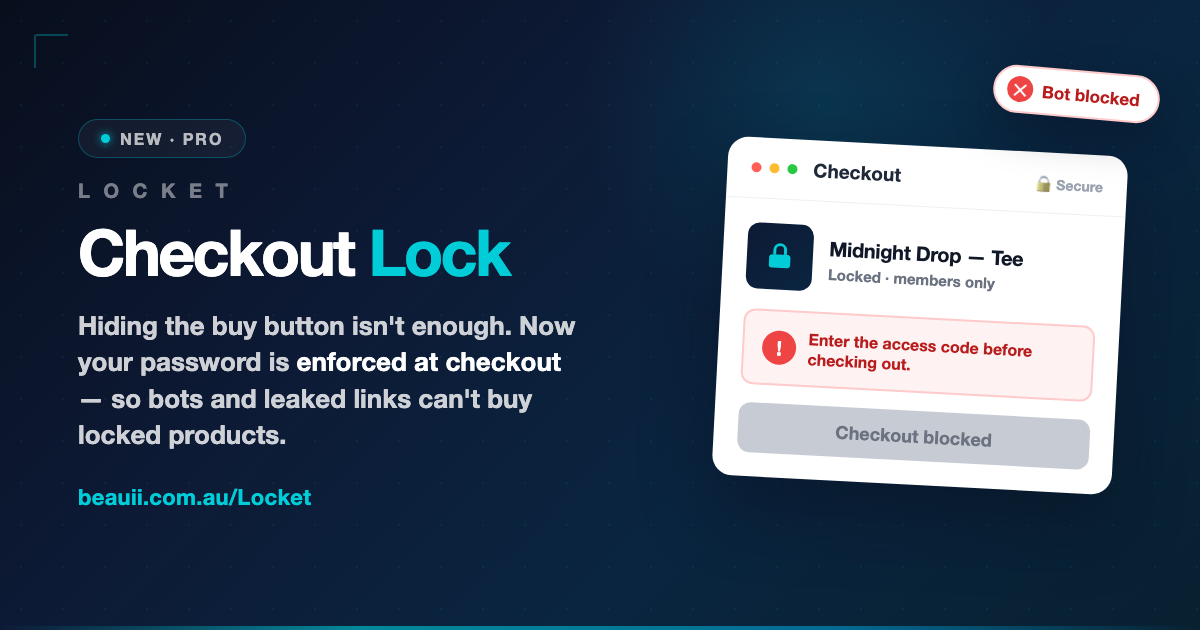
Hiding the buy button was never the whole job
If you run limited drops, presales, wholesale catalogues, or professional-only products, you already know the drill: you password-protect the product so only the right people can buy it. Locket has always made that part easy — lock any product, collection, vendor, or tag, and the buy button disappears until the customer enters the code.
But here’s the uncomfortable truth about every tool that just hides a button: the button is only hidden in the browser. A determined bot, a stock-alert service, or anyone who’s been forwarded a checkout link doesn’t click your buttons at all. They go straight to the cart and the checkout — and sail right past the lock.
We saw this happen to real merchants. One store running hyped trading-card pre-orders watched locked products get scooped up by bots the moment they went live, no password required. The lock looked right. It just wasn’t being enforced where it mattered.
Introducing Checkout Lock
Checkout Lock closes the gap. Instead of only hiding the buy button, it enforces your password at the checkout itself — on Shopify’s own servers, not in the shopper’s browser. If a locked product reaches the checkout without a valid code, the order is stopped. No bypass. No exceptions.
The button is a courtesy. The checkout is the lock. Bots can skip the first. They can’t skip the second.
How it works, in plain English
- A customer enters your password on the locked product, exactly as before.
- Behind the scenes, Locket hands them a secure, cryptographically signed pass that says “this shopper unlocked this product.” It can’t be faked, copied onto another product, or reused by a bot.
- At checkout, Shopify checks the pass. Valid pass → the order goes through. Missing or invalid pass → checkout is blocked with a clear message: “Enter the access code for this product before checking out.”
Your customers won’t notice anything new — they enter the password and buy, just like today. The difference is entirely on the side of the people who shouldn’t be getting through.
Who needs this
Checkout Lock earns its place the moment a locked product is something people actively want to get around. That’s more businesses than you’d think:
- Limited drops & hype releases — sneakers, streetwear, collectibles. If it sells out in seconds, bots are already trying.
- Trading cards & pre-orders — high-demand presales where a handful of bots can clear your entire allocation.
- Wholesale & B2B pricing — keep trade prices and trade ordering to approved accounts, not the whole internet.
- Professional-only & consultation products — ranges that are meant to be sold with advice, not grabbed by anyone with the link.
- VIP & members-only merch — reward the people who earned access, and make sure it stays that way.
The part everyone assumes is impossible
Enforcing rules at Shopify’s checkout has traditionally been a Shopify Plus privilege — the kind of thing on a $2,300/month plan. Checkout Lock works on any Shopify plan, including Basic and Grow. No Plus. No developer. No theme surgery. You install Locket, flip one switch, and it’s on.
Turning it on
Checkout Lock is a Locket Pro feature, and it’s opt-in — it only ever applies to stores that switch it on, so nothing changes for anyone else. To enable it:
- Open Locket in your Shopify admin and go to Settings → Checkout Lock.
- Click Enable. Locket sets everything up automatically — there’s no checkout code to write and no rules to configure by hand.
- That’s it. Your existing locks are now enforced at checkout as well as on the product page.
Client-side hiding stays exactly as it was — Checkout Lock is a second, deeper layer underneath it. Together they cover both the shopper who sees your store and the bot that never does.
Lock it like you mean it
If your locked products are worth protecting, they’re worth protecting properly. Checkout Lock takes the password you already trust and makes it something bots, scripts, and leaked links simply cannot get around.
Ready to switch it on? Open Locket → Settings → Checkout Lock, or learn more about Locket here. Not using Locket yet? Find it on the Shopify App Store and lock your first product in a couple of minutes.
Leave a Reply