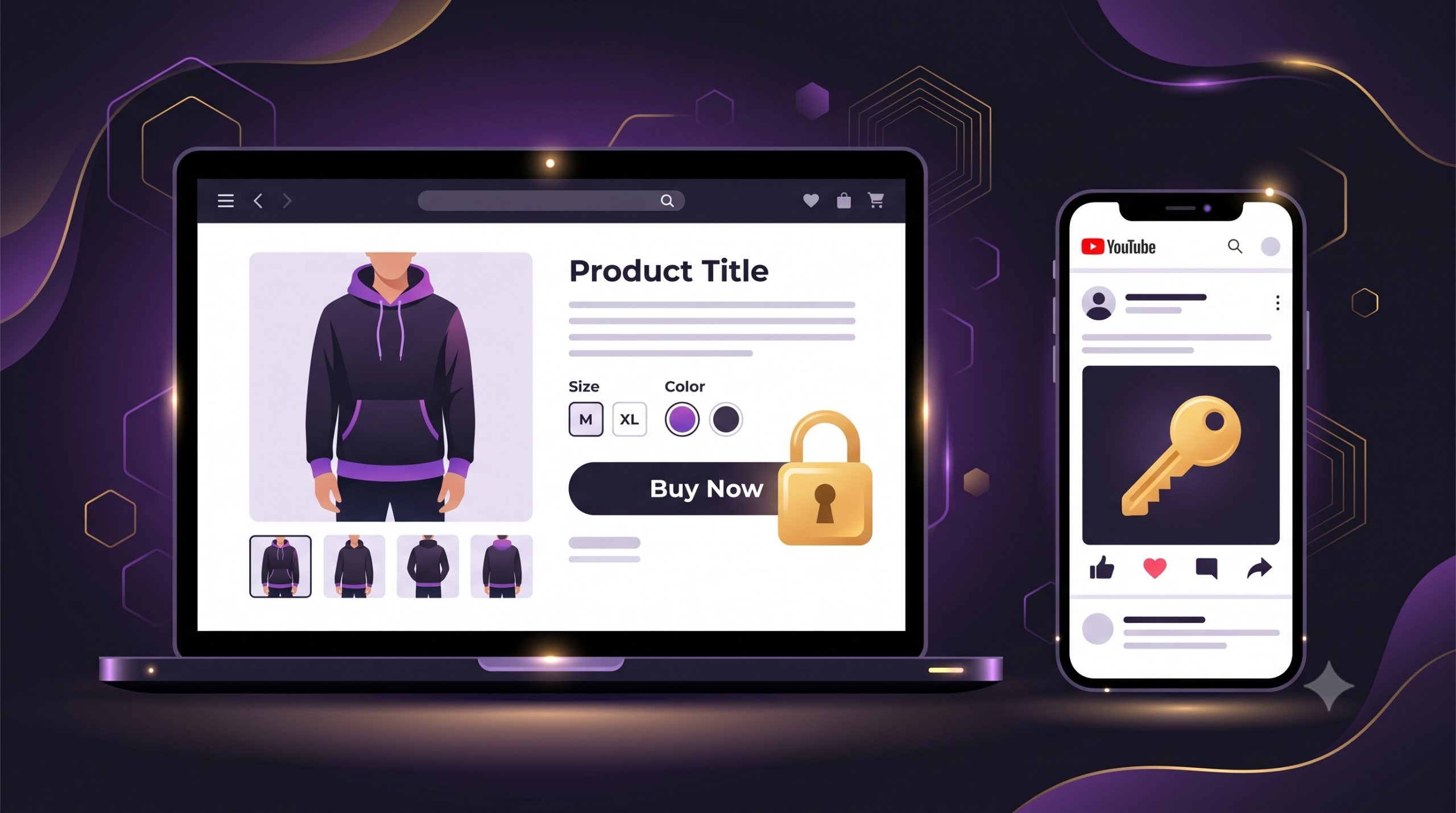
If you run YouTube channel memberships, you’ve probably hit this wall: you want to sell exclusive merch to your members — a limited hoodie drop, signed prints, a members-only colourway — but there’s no way to do it.
The Join button’s perks stop at videos, badges and emotes. The YouTube merch shelf shows your products to everyone. And YouTube Shopping’s Shopify integration has no concept of “members only.”
So how do creators actually do it?
The workarounds (and why they fail)
Discount codes in members-only posts. You post a 100%-off-the-markup code in a members-only Community post. It’s on a coupon site within hours.
“Secret” product links. Unlisted products aren’t protected — anyone with the link can buy, and links get shared.
Moving to a members platform. Fourthwall and Patreon have native members-only products — but you have to move your entire store there. If you’ve built your store on Shopify, that’s a painful migration to solve one problem.
The simple way: lock the drop, post the key
Here’s the setup that keeps your store on Shopify and takes about 10 minutes:
Step 1 — Create a members-only collection
In Shopify admin, create a collection called something like “Members Only” and add your exclusive products to it. Your public merch stays exactly as it is.
Step 2 — Lock it with Locket
Locket is a Shopify app that locks specific products or collections behind a password. Install it, create a lock, target your Members Only collection, set a password. Non-members see the products but can’t buy — they see a lock and a message you control (“This drop is for channel members — join to get access”).
No theme code, no developer. It works through a theme app embed, so it survives theme updates.
Step 3 — Post the password in a members-only Community post
This is the key move: YouTube already gives you a members-only channel. Post the password in a members-only Community post — only your members can see it. They copy it, unlock the collection, and buy.
Even smoother: Locket’s magic unlock links skip the password entirely. Post the link in your members post; members click it and the collection just unlocks for them.
Step 4 — Rotate the password monthly
Members churn. Once a month (when you post your monthly perks anyway), change the password in Locket and post the new one. Old members lose access automatically.
Levelling up
- Timed drops: set a lock expiry so the drop is open for 48 hours, then locks itself.
- Auto-unlock for repeat members: if your members create store accounts, tag them in Shopify and Locket unlocks automatically for tagged customers — no password at all.
- Multiple tiers: different passwords per membership tier — post each in the matching tier’s Community post.
The honest FAQ
Does this verify YouTube membership? No — and neither does any other method (codes and links leak too). Password rotation keeps leakage to a month at most, and magic links leave no password to share around.
Will it slow my store down? No — it’s a single lightweight script that only activates on locked products.
What do non-members see? The product page, minus the buy button, plus your custom message — which doubles as an ad for your membership.
Set it up today
Locket is $5.99/month (Starter) or $14.99/month (Pro, for magic links and timed drops), with a 30-day free trial: apps.shopify.com/locket
Built by Beauii, a small Sydney software studio. Questions?
Email support@beauii.com.au
Leave a Reply